"Finding a niche with demand is easy. The part nobody talks about is whether you can compete in it and still make a real margin. Here is how I research every product before printing anything."
Most 3D print sellers on Etsy fail before they even turn on the printer. Not because their prints are bad. Not because their shop is poorly set up. They fail because they print products nobody wants to buy.
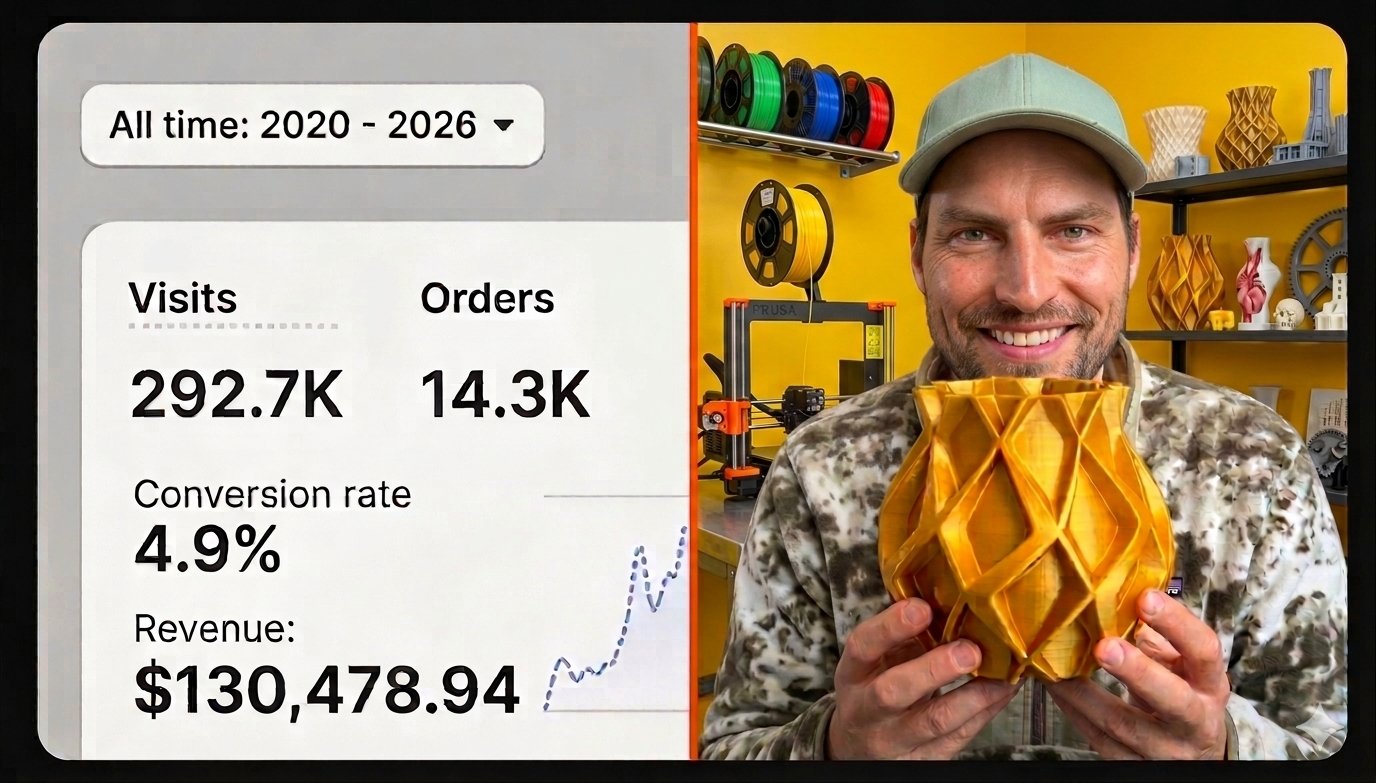
I generated $130,478.94 on Etsy selling digital products. When I switched to physical 3D printed products I made the same mistake at first — printing things I thought were cool rather than things the market was already asking for. This article is the process I now use to find products with proven demand before spending a single hour at the printer.
This is not theory. Every step in this process is something I do myself every week when researching new products for my shop. The goal is always the same: find a product people are already buying, in a niche where I can compete, at a price that leaves a real margin.
The Mistake Every New Seller Makes
New 3D print sellers open Etsy, browse popular products, think "I can print that" and list it. The problem is they are competing with established shops that have hundreds of reviews, optimised listings and months of Etsy algorithm trust built up. You will not outrank them overnight.
The smarter approach is to find niches where demand exists but supply is thin. Products people are searching for but not finding in enough variety or quality. That is where a new shop can break through quickly.
Step 1 — Start With Etsy Search
Open Etsy and start typing keywords in the search bar. Do not press enter yet. Watch the autocomplete suggestions — those are real searches from real buyers. They tell you exactly what people are looking for right now.
Start broad — "3D printed" — and see what comes up. Then get specific: "3D printed kitchen", "3D printed desk organiser", "3D printed phone holder". Each autocomplete suggestion is a potential niche.
Key principle
If Etsy autocompletes a search term it means people are searching for it repeatedly. That is your first signal of real demand.
What to look for in results
Once you run a search look at the top results and check:
- How many reviews do the top sellers have?
- When were those reviews left — recently or years ago?
- How many total listings appear in the search?
- Are the top products all from one or two shops, or spread across many?
You want to find searches with strong recent review activity (demand is current) and fewer than 500-1000 total listings (competition is manageable). Both conditions together is the sweet spot.
Step 2 — Validate With Google Trends
Etsy tells you what people search for on Etsy. Google Trends tells you whether that interest is growing, stable or declining across the whole internet. Both signals together give you a much clearer picture.
Search your niche keyword on Google Trends and look at the 12-month chart. You want to see a stable or upward trend. A declining trend — even if Etsy shows some results — means you would be entering a dying niche. Not worth it.
Also check the seasonal pattern. Some products spike in November and crash in January. That is not necessarily bad but you need to know so you are not sitting on unsold inventory in the wrong month.
Step 3 — Check the Competition Properly
Most sellers look at competition wrong. They see 800 listings for a search and think it is too competitive. But 800 listings with one dominant seller who has 3,000 reviews and everyone else has fewer than 20 is actually an opportunity. The market is concentrated — if you can make a better product or serve a slightly different angle you can capture buyers who want an alternative.
The review gap method
Look at the top 10 results. If the gap between the #1 shop (say 2,500 reviews) and the #5 shop (say 15 reviews) is enormous, that tells you the market is underserved at the middle and lower end. Buyers are not finding good alternatives to the top seller. That is your opening.
Step 4 — Check Price and Margin Before Printing Anything
Finding a niche with demand and manageable competition is only half the job. You also need to know whether the market price supports a real profit margin for you.
Look at what the top sellers charge. Then use my free 3D print profit calculator to work backwards — enter the market price, your estimated filament cost, electricity, packaging and Etsy fees and see what margin you'd be left with. If it's below 30% at the current market price, the niche may not be worth entering. If it's 40%+ — that is a product worth testing.
I have walked away from niches with strong demand because the market price was too low to generate a real margin after all costs. A product that sells is only valuable if it sells profitably. Always check the numbers before you print.
Step 5 — Test Small Before Scaling
Once you have found a niche that passes all four checks — Etsy demand, Google Trends validation, manageable competition and viable margin — print one product and list it. Just one.
Turn on Etsy Ads at a small daily budget ($1-3) to give the listing immediate visibility. Check the click-through rate and conversion rate over 2 weeks. If people click and buy, scale up — more listings, more variations, more inventory. If nobody clicks after 2 weeks of ads, the listing title or photos need work. If people click but do not buy, the price or product may be off.
This test-first approach means you never waste weeks printing products that will sit unsold. You let the market tell you what works before you commit time and materials to it.
Summary — The Full Research Process
- Use Etsy autocomplete to find what buyers are searching for
- Check review counts and listing volume to assess competition
- Validate trend direction on Google Trends
- Check margin viability using the profit calculator before printing
- Test with one listing and small ad spend before scaling
This process takes about 30-60 minutes per niche. Done consistently every week it will give you a pipeline of validated product ideas that are worth printing — rather than a printer full of things nobody wants to buy.
Frequently Asked Questions
Q: How do I find winning products to 3D print and sell on Etsy?
Start by searching Etsy for 3D printed products in specific niches, sort by Best Seller and look for products with high review counts but few competing listings. Then validate demand using Etsy search suggestions and Google Trends before printing anything.
Q: What 3D printed products sell best on Etsy?
Practical products with a clear use case consistently outperform decorative items. Organisers, mounts, holders, custom nameplates and niche-specific accessories tend to have strong demand and lower competition than generic decorative prints.
Q: How do I know if a 3D print product will sell before printing it?
Check Etsy search volume using the search bar suggestions, look at how many reviews the top sellers have and how recently they were left, and check Google Trends for the niche keyword. If demand exists and competition is manageable, it's worth testing with one listing and a small ad budget.